


Awareness Solutions


Cyber Security Training
E-LearningCustomized E-Learning Development Awareness AcademyCyber Security Learning JourneyWebinarsPhishing Training Service
Company


Use this blog post as a training opportunity in your organization. Post it on your intranet and educate your employees with a micro-training session.
[Written: 24th May 2022; updated: 25th May 2026]
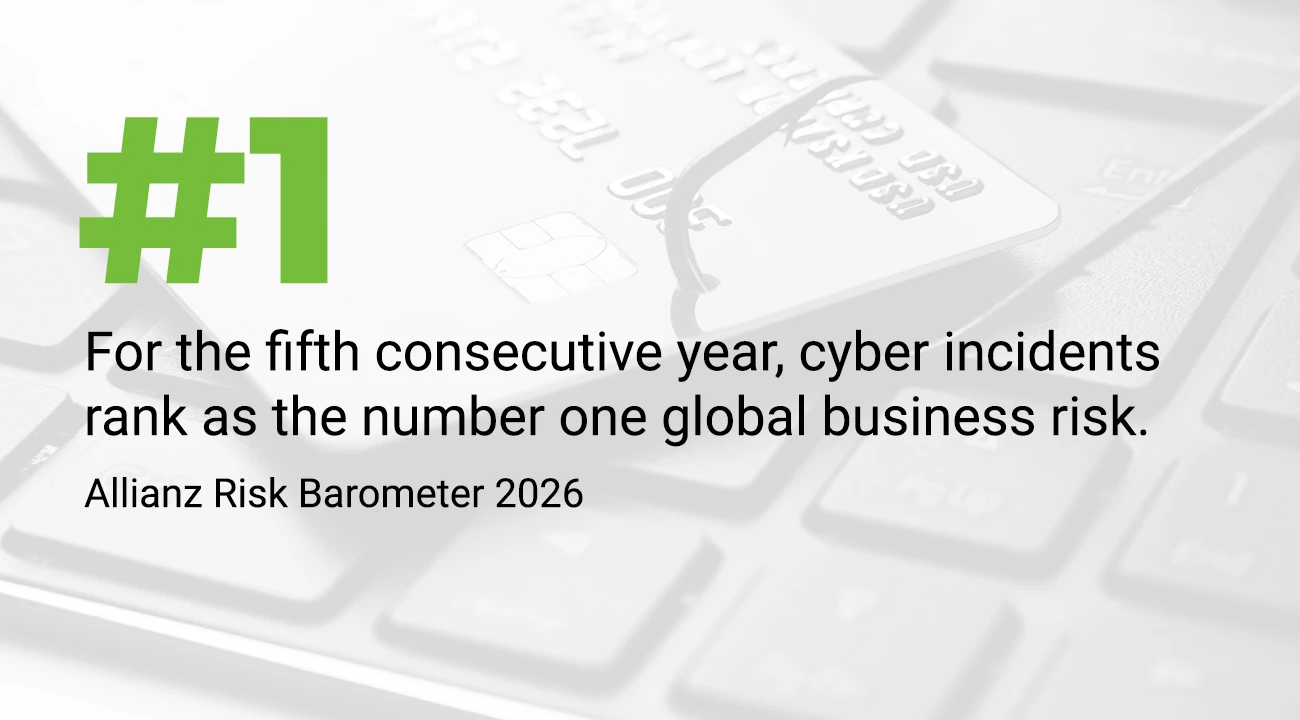
Cyber risks such as phishing, ransomware, data theft, and IT outages have continued to grow in significance in recent years. This is also reflected in the latest Allianz Risk Barometer 2026 (1): Cyber attacks have ranked first among global business risks for the fifth consecutive year. 42% of respondents cite cyber attacks as a key risk. Particularly striking: risks related to artificial intelligence have also risen sharply and already rank second globally.
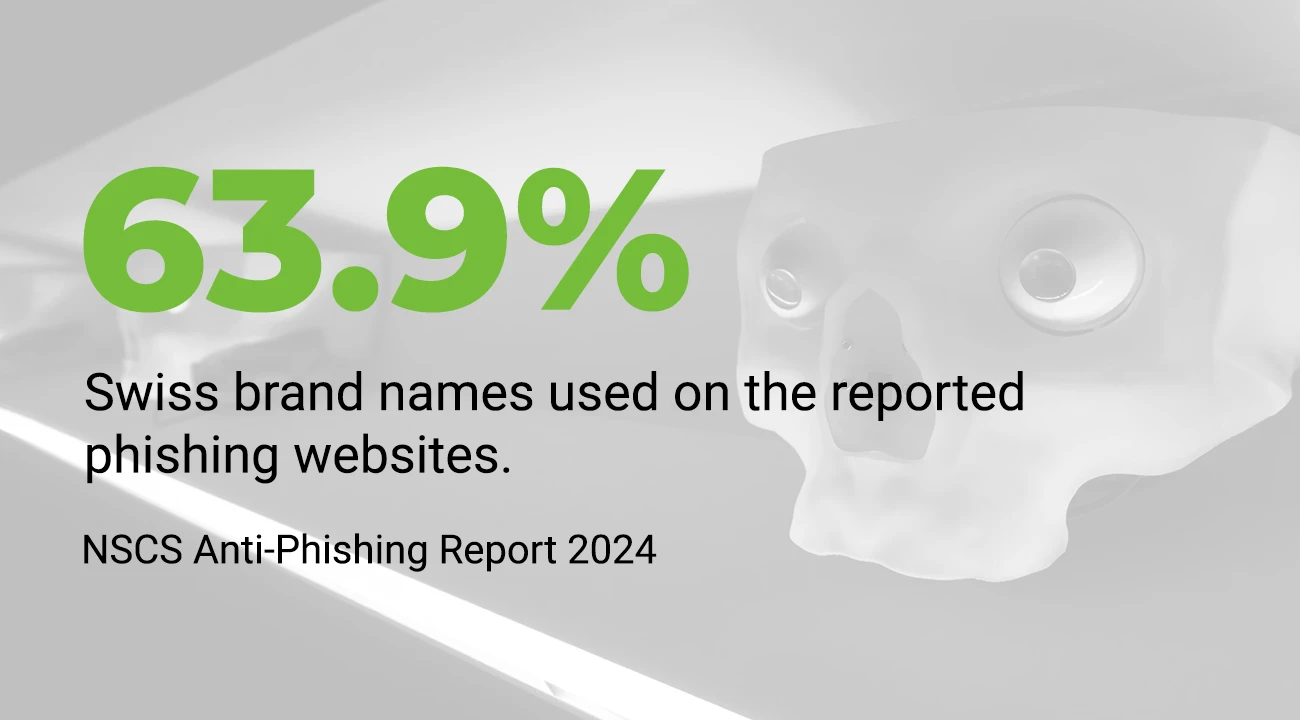
Attackers are increasingly targeting not only large companies but also small and medium-sized enterprises. In Switzerland, the threat level remains high (2): The National Center for Cybersecurity (NCSC) received 29,006 voluntary and 145 mandatory reports of cyber incidents in the second half of 2025 alone. 52% of these reports were classified as fraud. Recent studies also show that there is still a need for action among Swiss SMEs. In the 2024 Cyber Study (3), 67% of SMEs reported that they raise employee awareness about phishing emails. However, only 32% conduct regular training sessions. This is precisely where there is significant potential: employees need not only to be introduced to phishing once but to undergo regular training so they can recognize suspicious messages more quickly in their daily work.
If a company is successfully attacked with ransomware via phishing, production can come to a standstill for anywhere from one day to several weeks until the damage is repaired. In some cases, it also takes months for affected companies to realize that they have been the victims of a cyberattack.
The most common attacks involving ransomware or other malware are carried out via phishing emails. Why? Because people are one of the most successful entry points for attacks. Hackers rely on their victims’ ignorance, helpfulness, gullibility, or uncertainty. Creating a phishing email is easy and inexpensive to create and can be sent to thousands of people simultaneously with the click of a button. And with every such attack, dozens, if not hundreds, of people fall for it.
Spam filters often cannot detect all phishing emails in time. That is why it is important that all employees are trained to recognize phishing on their own and thus contribute to protecting the company.
In this article, we take a closer look at the topic of phishing. What is phishing? How can you spot phishing emails? What can be done to prevent phishing?
These days, each of us—whether a private individual or an employee—is a potential target of hacker attacks and, consequently, of phishing. You’ve probably received a phishing email yourself at some point.
Attackers are becoming increasingly professional, making it harder and harder to spot phishing emails. It’s crucial to approach emails with a critical eye.
Attackers use phishing emails, instant messaging, personal messages, or websites to try to obtain their victims’ data. Login credentials such as passwords, usernames, or account information are particularly sought after. Ransomware can also be introduced onto a PC or corporate network via links and compromised websites.
Once a hacker has gained access to user accounts or networks, customer or business data can be spied on or stolen. Money transfers can be made, systems can be manipulated, or even be rendered inoperable. An initial attack is often followed by further attacks, which can lead to significant financial losses and damage to a company’s reputation. In severe cases, this can even lead to bankruptcy.
There are different forms of phishing. Basically, each one has the same goal: to get data. However, some forms of phishing are more obvious, while others are more difficult to spot because they are more sophisticated.
Conclusion: No matter which channel cybercriminals use to attack: The attackers’ goal is always to get you to click on a link, open files, install malware, disclose sensitive data, or execute transactions. With AI, deepfakes, fake QR codes, and more realistic messages, these attacks are becoming increasingly difficult to detect. That’s why it’s no longer enough to simply look for spelling mistakes or suspicious senders.Employees must learn to question the intent behind a message.
To protect yourself from phishing, it is important to recognize such messages. Certain characteristics allow you to recognize phishing.

Is the sender unknown to you? Have you never been in contact with this email address? Then you should be suspicious!
This also applies if the sender, i.e., the email header or the email address, does not match the stored Internet link (example: mailto:no_reply@europcar.ch / website: www.europcart.ch). Sender addresses are easily forged, often containing small errors or a different URL (e.g., .net instead of .com). Another sign is a personal return address (e.g., @gmail.com or @outlook.com), even if the message is supposed to be from a company.
Warning: Even seemingly genuine senders can be faked or compromised. Therefore, check not only the sender’s name but also the specific email address, the message content, and the context.
Email attachments can infect computers and networks with malware. Therefore, dubious attachments should not be opened. If in doubt, check with the sender. Important: Do not reply in the message but choose another communication channel such as the phone. If you are unsure, it is better not to open the attachment.
When using Windows, make sure that the "File name extensions" selection is activated in the "View" tab in Windows Explorer. If this setting is deactivated, the file type is not immediately recognizable. There is therefore a risk that manipulated extensions such as "Document Name.pdf.exe" will not be recognized and that a file containing malware will be opened. You should also exercise particular caution with Office files, ZIP files, purported invoices, delivery documents, job applications, or scans. It is precisely these everyday documents that are frequently used to build trust.
An impersonal form of address, such as "Dear customer", can be an indication of phishing. But be careful: Cyber criminals can find out about their victims via social networks or search engines and write to them in a targeted manner (so-called "spear phishing"). A personalized greeting alone is therefore no proof of a message’s authenticity. Your name, job title, employer, or current projects can be found through public research or obtained from previous data breaches.
Incorrect text, character set errors, missing letters or inflections, grammatical and orthographic errors, letters from other alphabets (e.g., Cyrillic letters). Attention: Letters from another alphabet are often very difficult to recognize. At the same time, phishing messages are becoming linguistically more sophisticated thanks to AI tools. Error-free language therefore does not automatically mean that a message is legitimate. Always check the sender, link destination, call to action, and plausibility as well.
If you are asked to act within a short time, often combined with a threat (e.g., the blocking of your credit card or online access), this can indicate phishing. Therefore, check carefully whether the request is really justified. An invitation is often "too good to be true". Typical phrases include “act immediately,” “final warning,” “your account will be blocked,” “payment pending,” “urgently approve,” or “treat as confidential.” Attackers create pressure so that you no longer have the time to check things carefully.
If you are asked to enter personal data such as a password, PIN or TAN, you should be careful. Remember: No reputable company will ask its customers to change their user data via an attached link or form. Or if so, then without a direct link to the login page. Always use the web page you saved previously to modify user data. Never reply to emails asking for usernames, passwords, or account information, etc. Never enter login credentials via a link in an email, text message, or chat message. Always open the website directly in your browser or via a saved bookmark.
The message contains one or more links that point to an address that does not belong to the sender's address range. (EXAMPLE Sender: info@ebay.net Link: http://www.paypal.com-verfy-transactionid-7961312693567631367.login.ebay-buyerprotection.net).
Also check that there are no special characters (e.g., from the Cyrillic character set, spaces, etc.) in the URL. To check a URL, hover over the link. The advertised link appears in a pop-up window. If this doesn't work, you will need to enable this in settings. Think carefully about whether or not you need to visit the link and don't just click on it out of curiosity.
Checking links is often more difficult on smartphones. Don’t hold down links out of curiosity, and don’t open shortened or unknown URLs. With QR codes, you should also carefully check the displayed destination address before entering any data.
Normally the communication is in the recipient's language. Sometimes, like in the example email in the picture, several languages are mixed up. To start with, this is suspicious, and in addition, it doesn't look very professional, for example, when a company ends a German email with the English word "Goodbye". But here, too, the following applies: Modern phishing messages can be linguistically polished and professionally worded. A mix of languages is a warning sign, but the absence of grammatical errors is not a green light.
If unusual or unfamiliar names are used for departments, products, or services, you should immediately pay attention. Check the intranet to see if this designation is used within the company. If not, report and delete the email. Also be on the lookout for unfamiliar processes: new payment methods, new approval workflows, new login pages, new contacts, or unusual communication channels. If something deviates from the normal procedure, it should be investigated.
If you receive an email that seems suspicious to you or you clearly recognize it as phishing, always report to your IT service desk immediately. To do this, use the method that is customary in your company (e.g., by forwarding the email to the IT Service Desk or reporting via a specific button in the email program).
Only with your help can phishing attacks be recognized early and the necessary countermeasures taken. Therefore, it is important that you promptly report such emails, without replying to them and without clicking on any links or attachments contained within them.
The same applies to phishing attempts via other channels such as phone or SMS. Report them to your IT service desk immediately.
If you are unsure whether a message is genuine, always use a second communication channel. Call the sender’s known number, check internal contact information, or ask the responsible team directly. Never use phone numbers or links from the suspicious message itself.
If you have accidentally clicked on a link, entered data, or opened an attachment, acting quickly is crucial.
Report the incident immediately to your IT service desk—even if you’re not sure whether anything actually happened. The sooner a potential attack is detected, the faster protective measures can be implemented.
Change affected passwords only after consulting with IT, especially if you are using company devices or business accounts. Do not disconnect the device from the network on your own initiative, unless this is explicitly permitted by your company. Follow internal guidelines.
Do not confirm any additional MFA requests unless you initiated them yourself. Notify IT immediately if you receive an unexpected login prompt or have accidentally confirmed one.
Do not delete the suspicious message immediately if your company requires a report with the original message. IT often needs headers, links, or attachments to analyze the attack and protect other employees.
Technical safeguards such as spam filters, firewalls, endpoint protection, backups, and multi-factor authentication are indispensable. However, they are not enough. Attackers are increasingly bypassing technical safeguards through social engineering, messages that look genuine, stolen login credentials, manipulated login pages, or fake QR codes.
The technical protection of a company’s IT infrastructure is important and must be continuously improved. However, hackers can still very successfully gain access to money, data, and information—and extort ransom—through employees, i.e., the users of the IT infrastructure.
That is why it is so important that the people who use the use the IT infrastructure know how to behave securely. Especially when dealing with phishing.
Train your employees regularly on information security, phishing, social engineering, MFA, QR code phishing, and deepfakes. A one-time training session is not enough. Security awareness is built through repetition, concrete examples, and simple reporting channels.
This will help reduce the risk of a successful cyberattack.
Subscribe to our newsletter now and never miss more information security and security awareness news and blogs. Subscribe using the form below.

Form, E-mail, Phone
You can fill out a short form or send us an email. We will get back to you within two working days. You can also call us directly. Click on "Contact" and you will receive all the necessary contact details.


