Information security
Cybersecurity
Physical security & compliance
Specific target groups
Standard microlearnings
Cartoon microlearnings
Gamified

Phishing - Protection against malicious links in QR codes

QR code phishing known as quishing is essentially a form of phishing. Instead of falsifying an email or text message as usual, a QR code is falsified. This module gives typical examples of fake QR code usage and how to protect yourself.
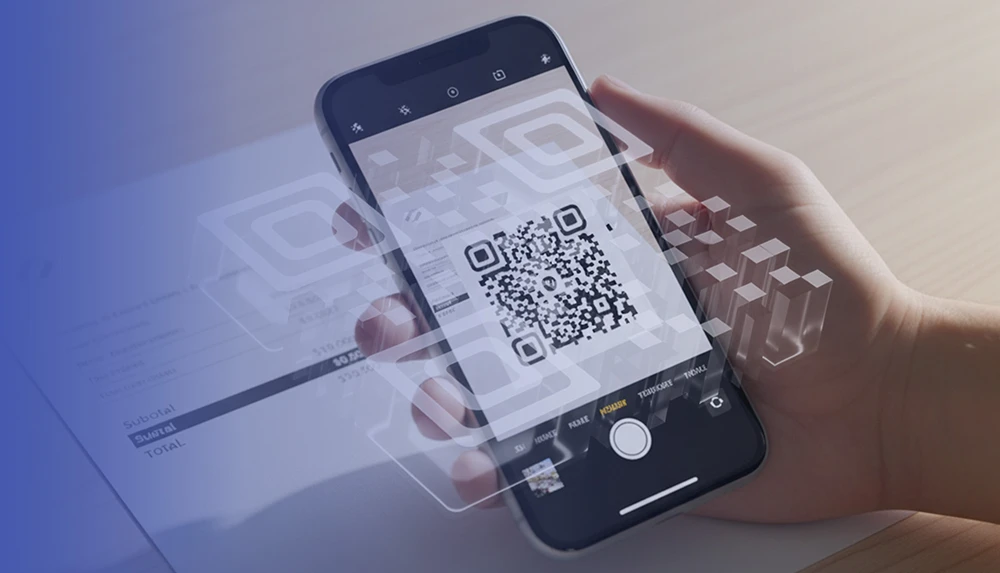
A hand scanning QR code with mobile phone.

Technical information:

  • Language: German, English, French, Italian
  • Duration: 4-6 minutes
  • Format: SCORM or via our Learning Center
  • Responsive design: The microlearning can be done on a PC, notebook, tablet and smartphone.
  • Customizable to the company: Yes, for example, guidelines, terms, colors, font, logo, contact data and linked documents.

Learning goals:

  • You know what QR code phishing (also known as quishing) is and you are aware of the risks involved.
  • You know the protective measures and can apply them.

Learning content:

  • Example from the economy
  • What is QR code phishing
  • How it works
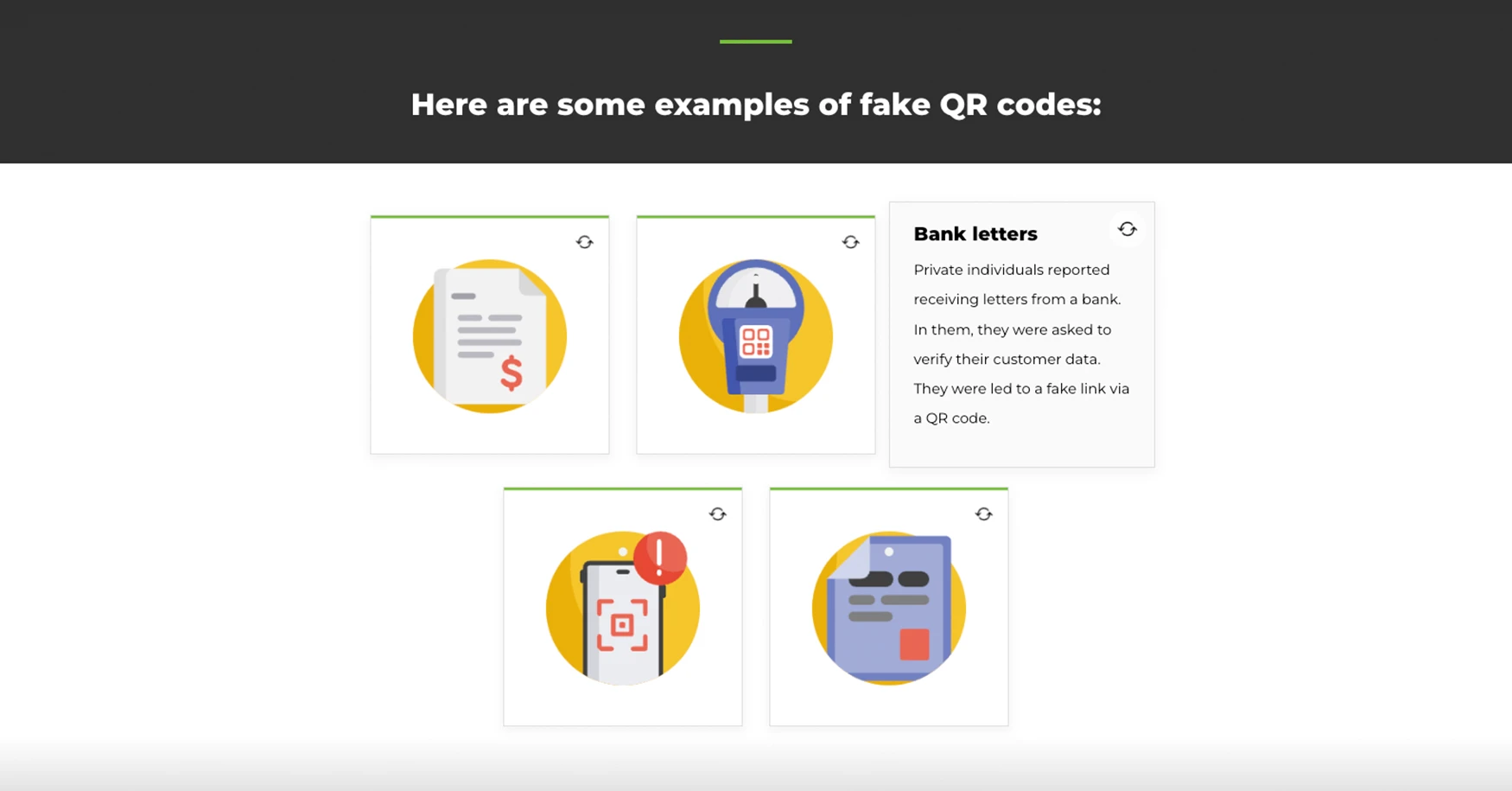
  • Examples from practice
  • How do I protect myself
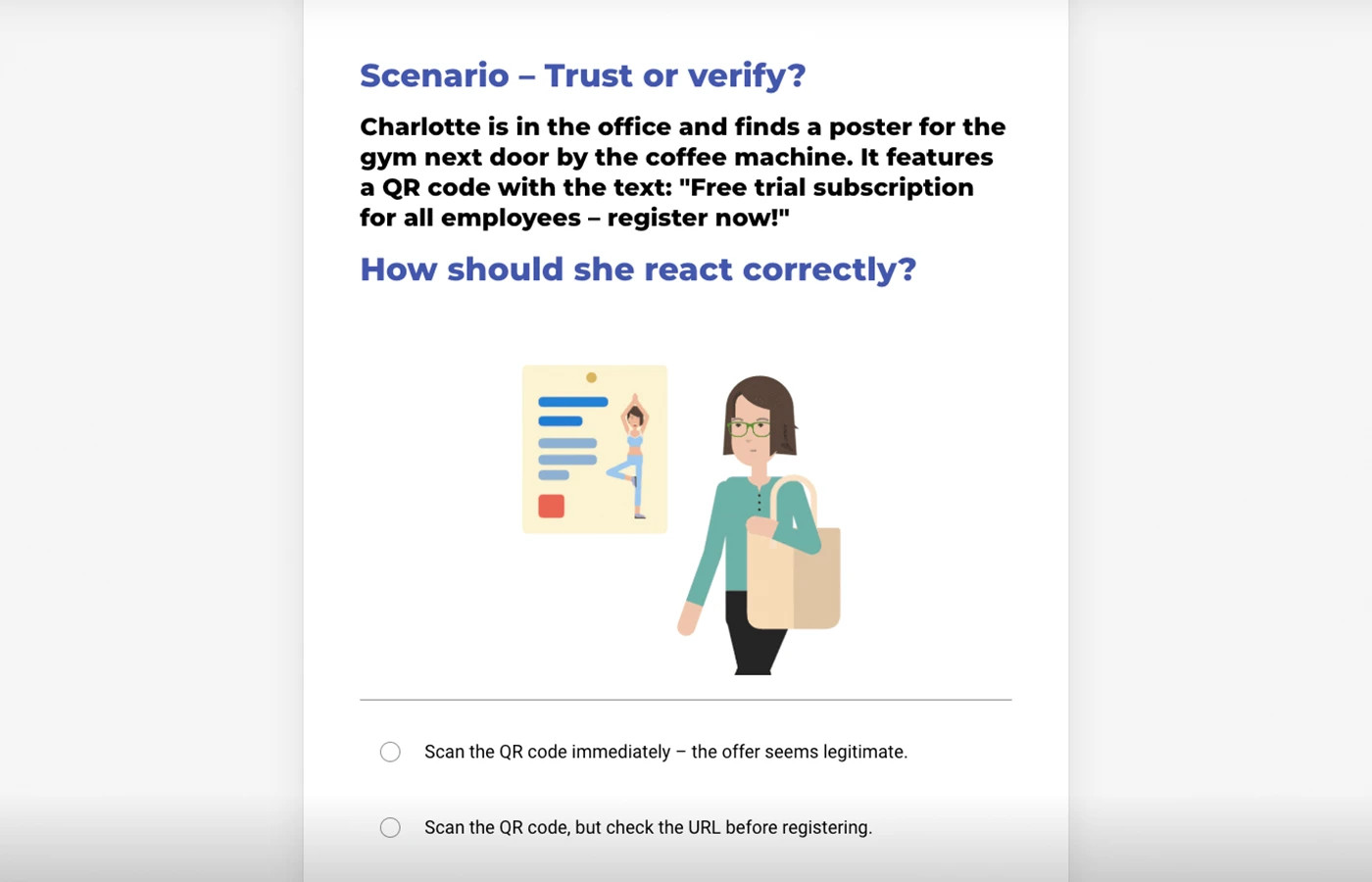
  • Exercise: Correct procedure against QR code phishing

Number of lessons:

9

Target group:

All employees in your company.

Additional training materials:

Browse our other e-learning courses

Request e-learning modules

Choose your e-learnings:

You can select more courses by holding CTRL (or CMD on Mac) when clicking on courses.

Information Security

Cybersecurity

Physical Security, Compliance, Specific Target Groups

Choose your microlearnings:

You can select more courses by holding CTRL (or CMD on Mac) when clicking on courses.

Standard Microlearning

Cartoon Microlearning

Users:

Languages:

Your contact:

Thank you, we have received your request!
Something went wrong while submitting the form.
Umschlagsymbol

Form, E-mail, Phone

You can fill out a short form or send us an email. We will get back to you within two working days. You can also call us directly. Click on "Contact" and you will receive all the necessary contact details.

Kalendersymbol

Free online consultation

If you would prefer to book a specific appointment, you can do so by clicking on the blue button below. The online booking system will open in a new window and you can schedule your free consultation.